Black chatbot icon with two square eyes inside rounded square background.
POINT OF SALE

High-Performance POS System for Seamless F&B Operations

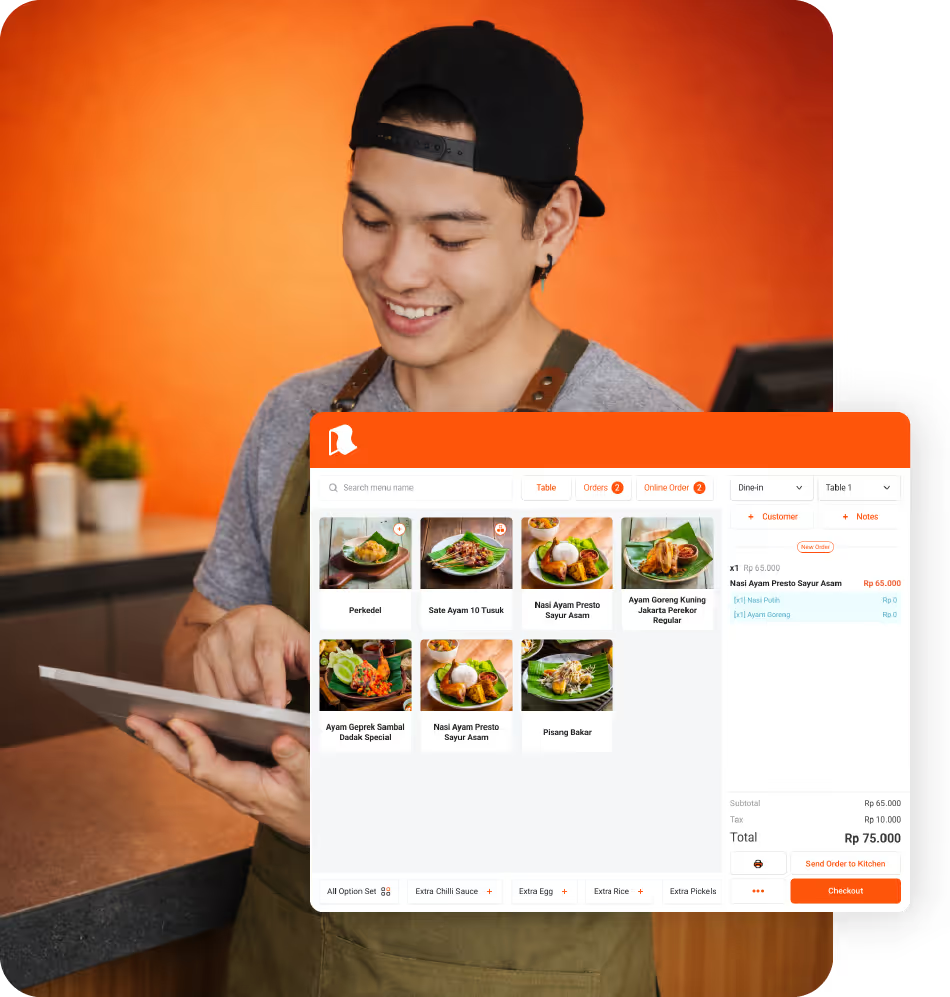
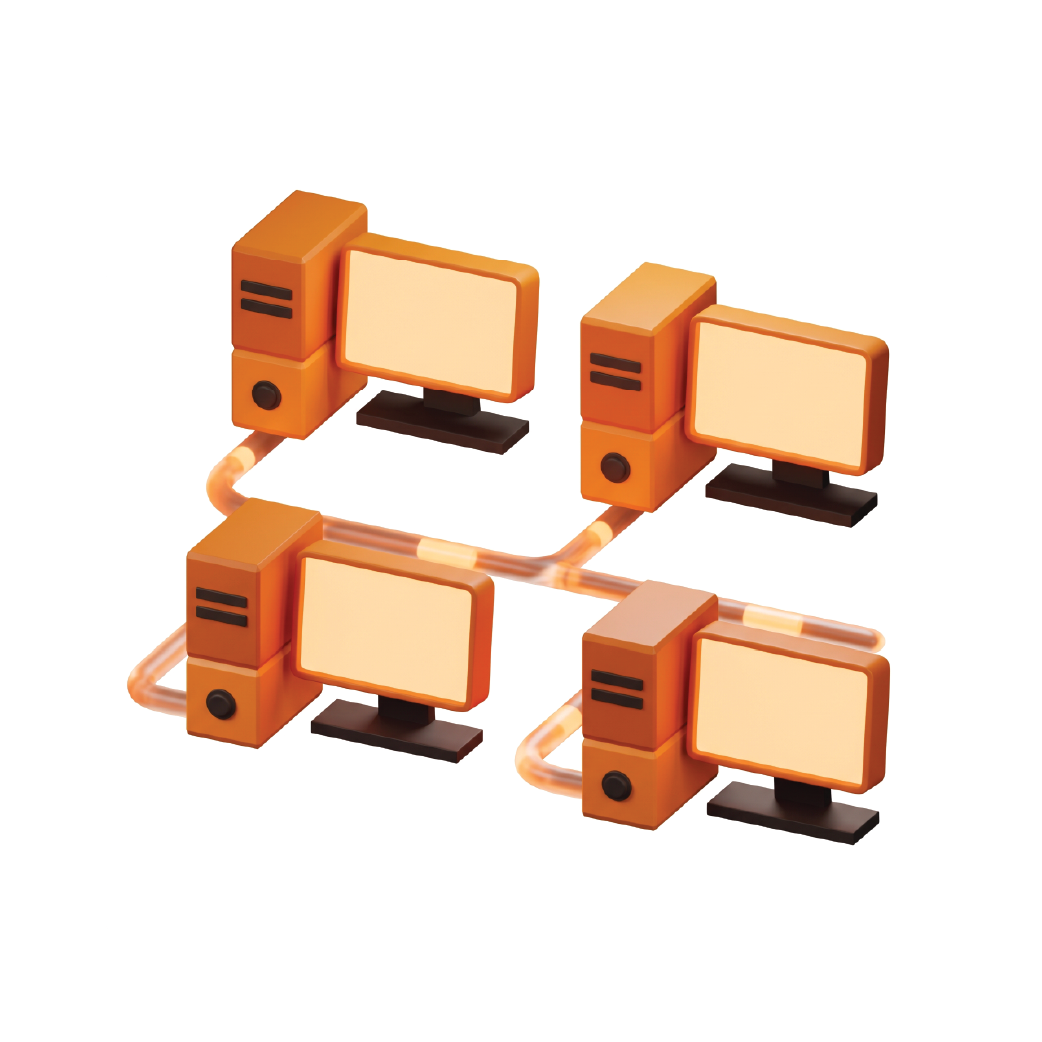
Runchise POS is a point-of-sale app built for multi-device deployments across Android, iOS, and Windows. Through its local network architecture, the system guarantees smooth, uninterrupted store operations.
point of sale

A Stable System Foundation for Restaurant Services

Local Network Stability
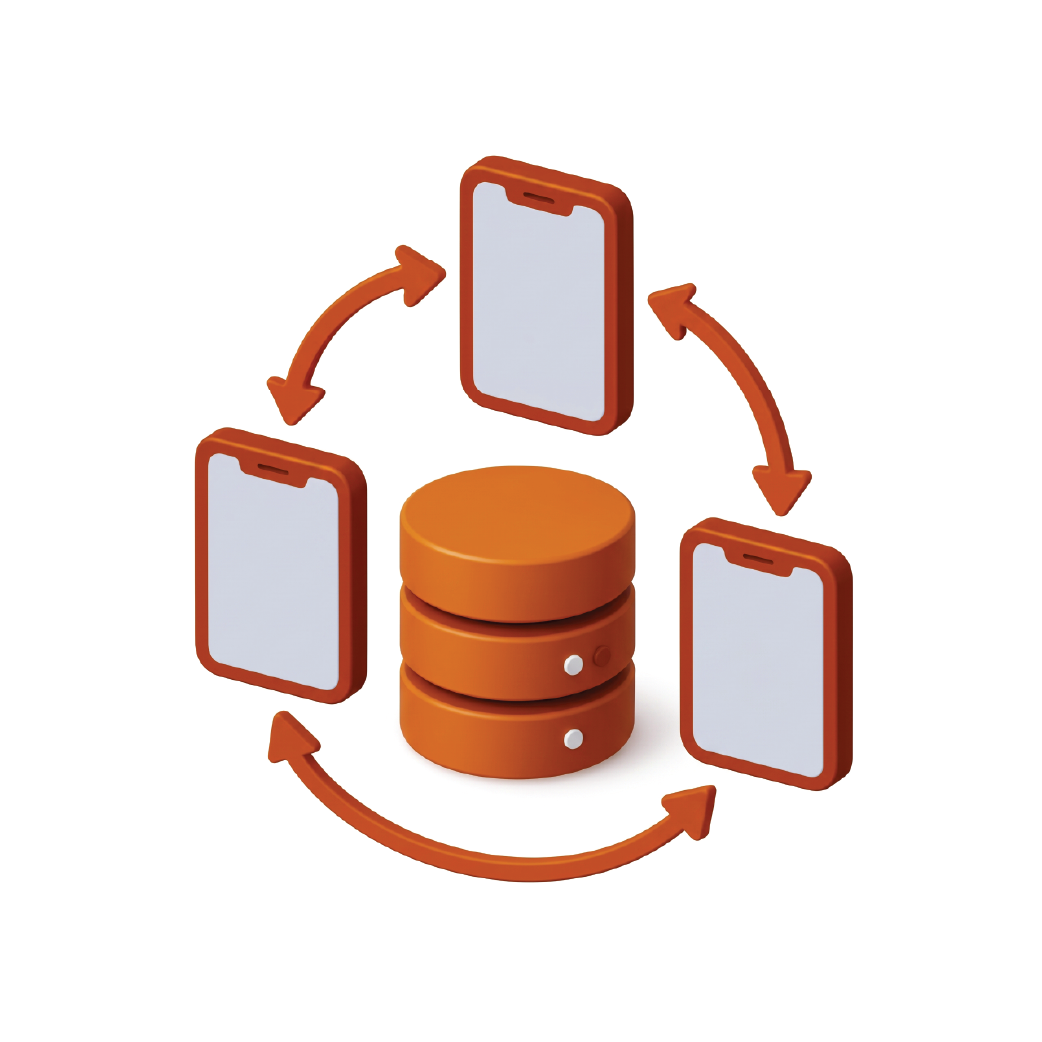
Local server devices manage daily transactions using an encrypted SQLite database.
Cross-Device Support
Compatible with various daily workstations, including both tablets and POS computers (Android, iOS, and Windows).
Periodic Automatic Synchronization
Customer transactions from all devices automatically synchronize to the cloud without slowing down the checkout process.

POS Server Device as the Operational Control Center for Outlets

One primary device functions as the POS Server to coordinate all operational terminals across the local area network (LAN) and connection to cloud.
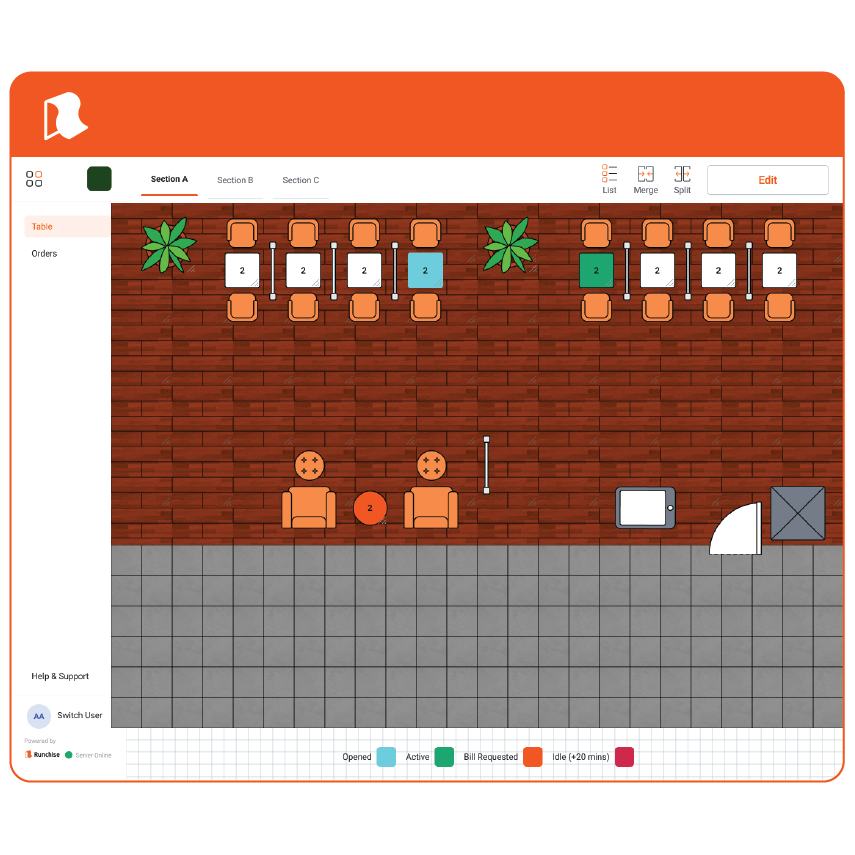
Manage Tables Smarter & More Efficiently

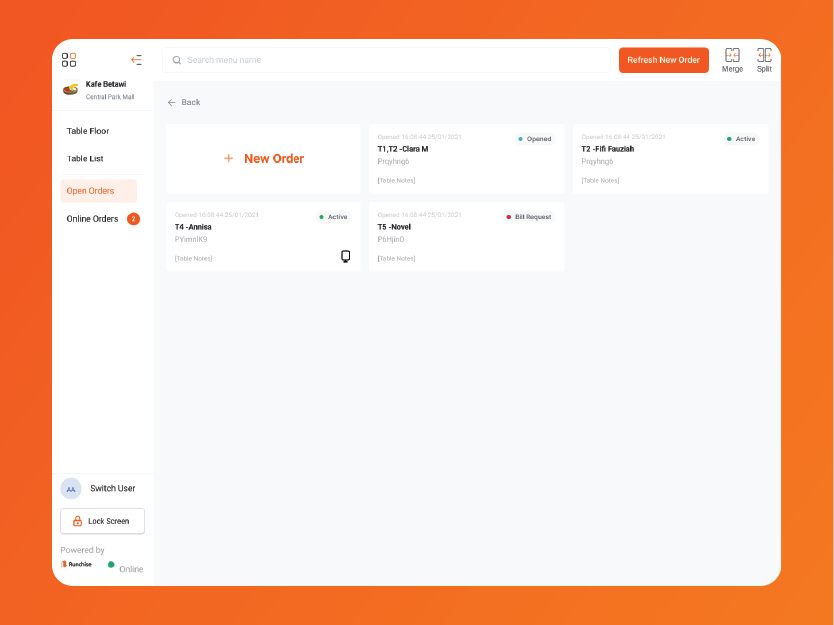
Strategically adjust your restaurant layout to maximize seating capacity, improve customer flow, and deliver a smoother, more comfortable dining experience.

MULTI-CHANNEL ORDERING

Unified Omnichannel Order
Management in One System

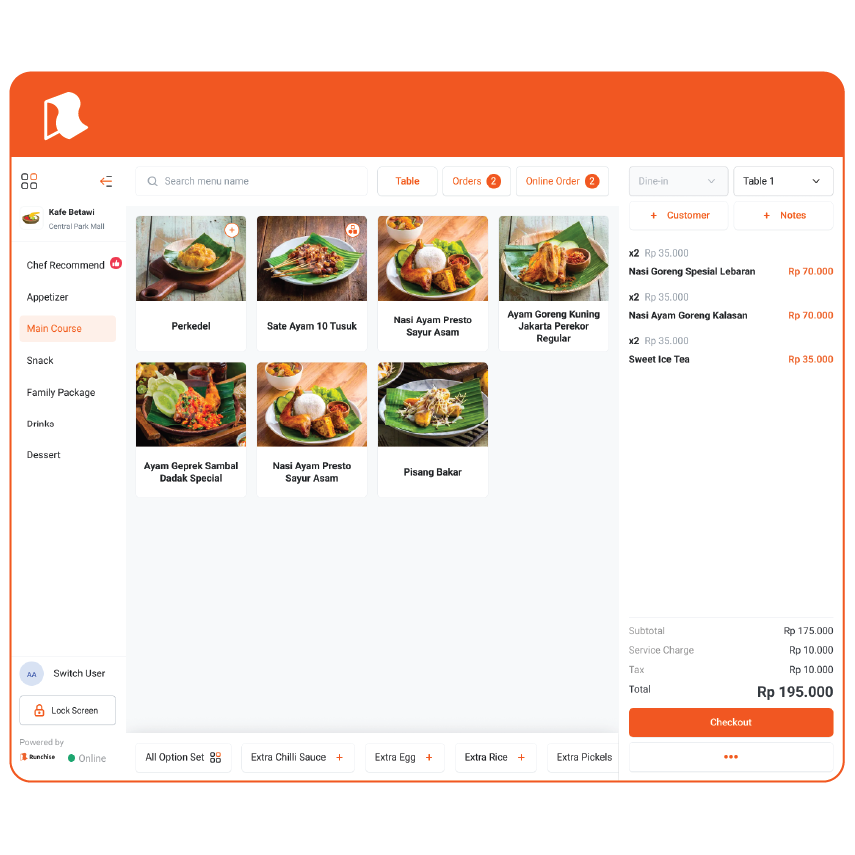
Integrates multiple ordering streams into a single, clean, and organized cashier interface.

aplikasi pos untuk manajemen pesanan

Online Food Delivery Services

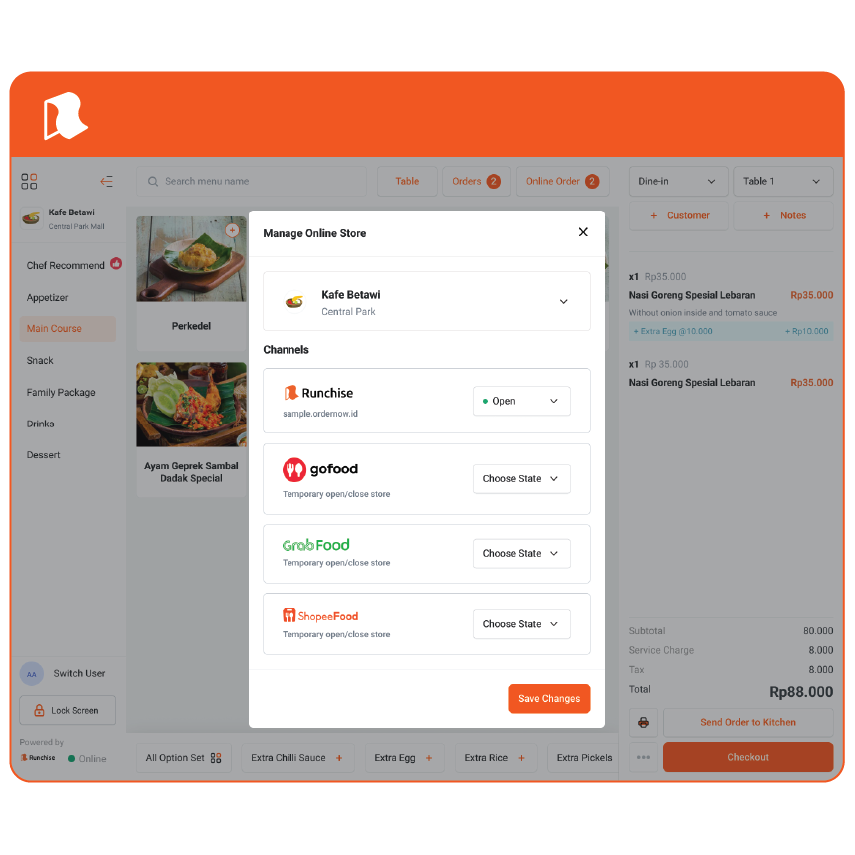
Orders from third-party partners (GrabFood, GoFood, ShopeeFood) feed straight into the POS. The system queues tickets sequentially to eliminate double printing.

More info
POS

Table Orders (Dine-in) & Counter Checkout

Record table or counter orders with centralized queue numbering to prevent duplicate service numbers.

More info
Self-Service Kiosks & Web Ordering

Empower guests to self-order in-store or via online web portals, featuring transparent, real-time order tracking.

More info
phone

Tabletop Self-Ordering (QR Code)

Guests order directly by scanning QR codes. Orders sync automatically to both the cashier and kitchen displays.

More info

All Online Delivery Orders on a Single POS Screen, No Need for Multiple Phones

Manage orders from popular ride-hailing/delivery apps (such as GrabFood, GoFood, and ShopeeFood) as well as orders from your own online store directly on one POS screen.
OPERATIONAL AND KITCHEN SOLUTIONS

Targeted Automation to Accelerate
Kitchen and Cashier Operations

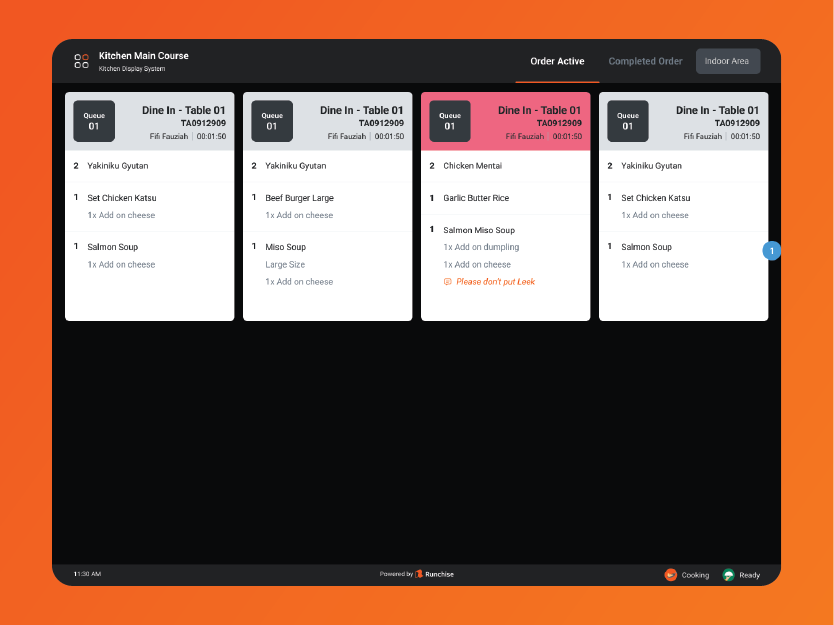
Digital Kitchen Display System (KDS) Workflow
Orders are routed to kitchen displays by prep station. Kitchen staff can monitor and update food prep statuses seamlessly.
Recipe-Based Raw Ingredient Depletion
Real-time inventory deductions are calculated in the cloud based on the exact recipe yield of items sold.
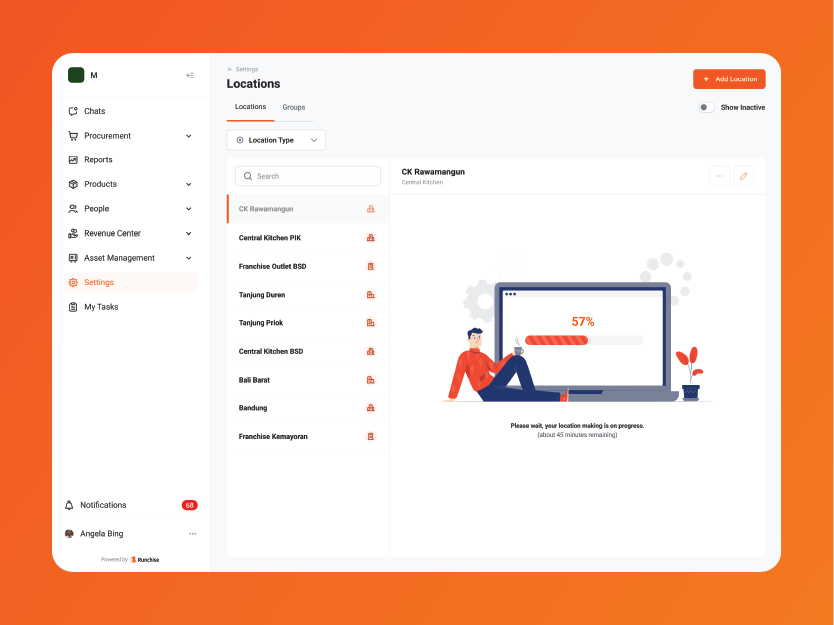
Multi-Branch Standardized Operations
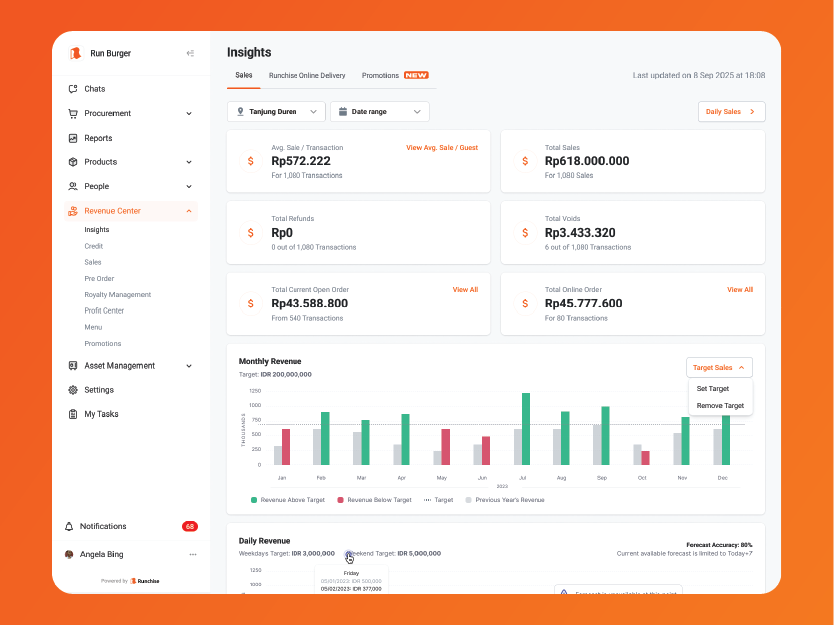
Track multi-outlet growth with real-time sales reports, raw material inventory levels, and consolidated financial statements.
Monitor Performance Across All Sales Channels
Access daily sales summaries, best-seller trends, and accurate cash flow movements across all locations.
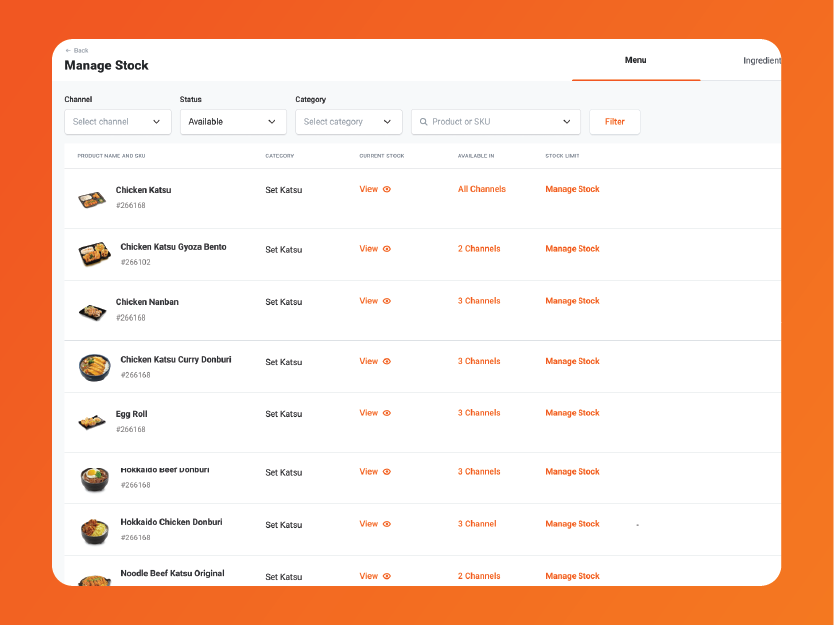
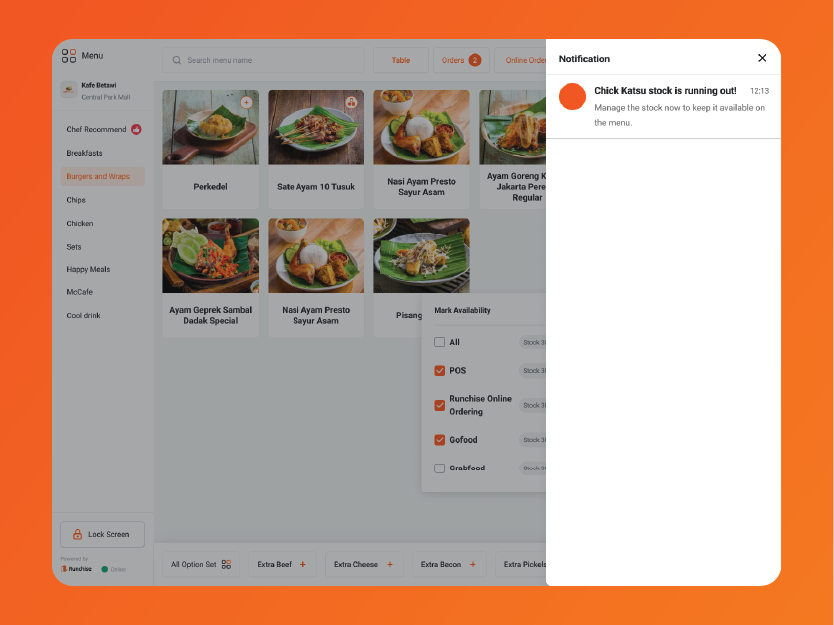
Centralized Out-of-Stock Status Updates
Mark items as sold out at the register to immediately sync and update across all POS terminals, self-service kiosks, QR menus, and online delivery channels.
Duplicate-Proof Transaction Security
Each transaction is tagged with a unique identifier (UUID) to guarantee sales records synchronize safely to the central server without duplicates.

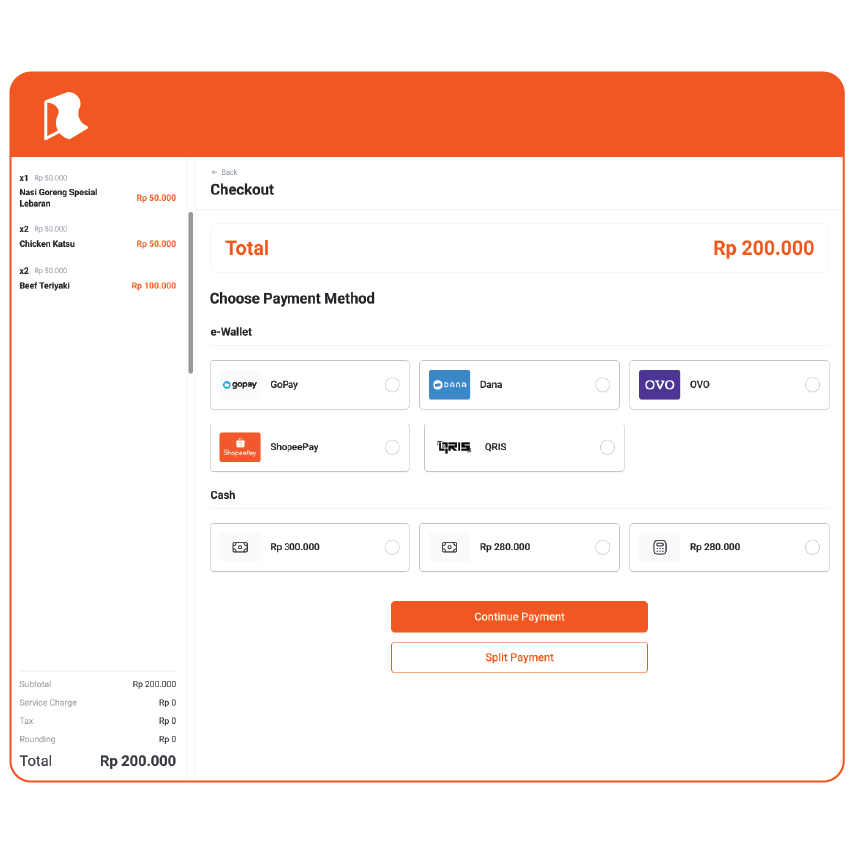
Accept All Types of Payments with Ease

Give customers the freedom to pay whichever way they prefer, from cash, debit/credit cards, to QRIS.
FAQ

Will restaurant operations stop if the internet connection goes down?

keyboard_arrow_down

No. All core operational functions—such as taking orders, sending dockets to the kitchen, and processing cash or card payments—continue to run normally over the local area network (LAN). Data will automatically sync to the cloud once the connection is restored.

Does raw material deduction overload the POS devices at the outlet?

keyboard_arrow_down

No. Outlet POS terminals are optimized for fast transactions and menu availability tracking. Recipe-based raw material deduction is processed on the cloud server through an automated data pipeline.

How does the system prevent online order dockets from printing twice?

keyboard_arrow_down

The POS system processes incoming online orders sequentially with safe time intervals and validates the unique order ID before sending the print command to the kitchen printer.

How long is transaction data stored in the POS tablet's local memory?

keyboard_arrow_down

Transaction data successfully uploaded to the cloud is retained in local storage for 10 days before being automatically cleaned up, ensuring optimal tablet performance and sufficient storage capacity.

Ready?

Ready to simplify your operations?

Join thousands of restaurants already running on Runchise

contact icon
Contact Us